
Download Ashampoo Magical Snap – Screenshot Tool, Image Editor, Productivity Utility
Overview
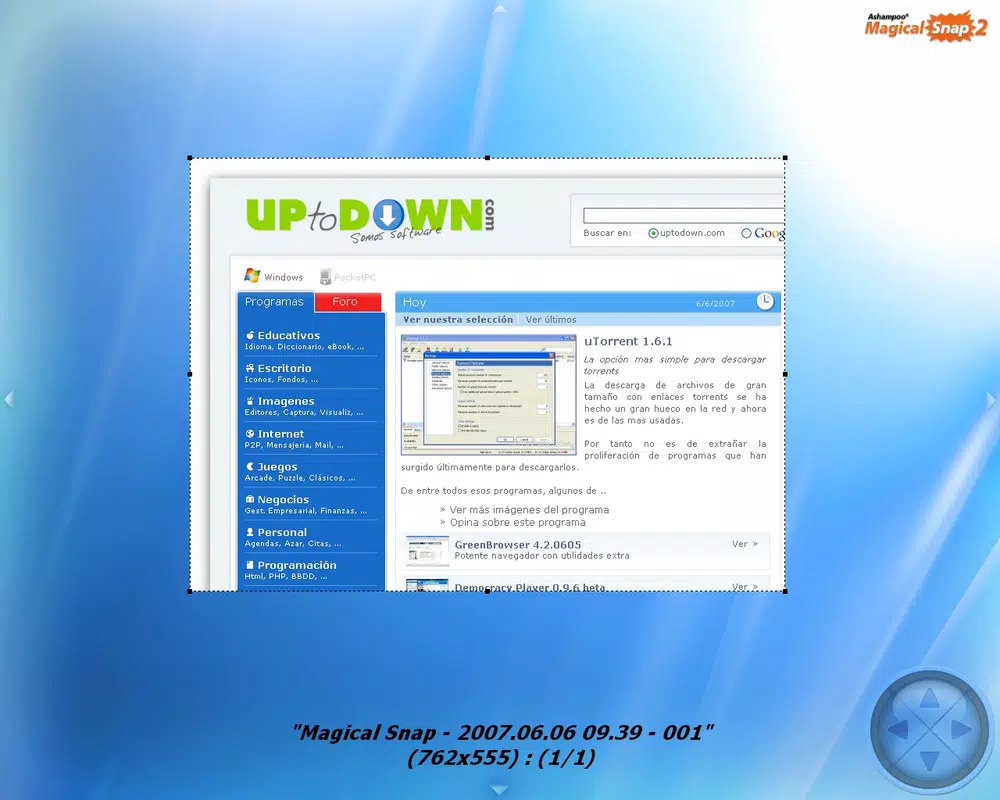
Ashampoo Magical Snap is a dedicated screenshot utility designed to simplify the process of capturing and editing screen content. The app enables users to take screenshots instantly, whether they need to capture an entire screen, a specific window, or a custom region. Its core purpose is to streamline digital documentation, communication, and content creation by reducing the friction associated with screen capture and post-processing. This makes it particularly valuable for professionals in design, technical support, education, and remote collaboration who rely on visual documentation.
For casual users, the app offers a seamless experience without requiring technical expertise. The developer, Ashampoo, has positioned the tool as a lightweight yet powerful solution that enhances workflow efficiency without overwhelming the user with complexity. Real-world use cases include creating step-by-step guides, sharing error messages with support teams, or preparing visual content for presentations. The app’s presence in the productivity and utility category underscores its role as a reliable companion for anyone using a smartphone or tablet to capture and refine visual information.
Although the developer did not provide additional technical details about the app’s architecture or development philosophy, its long-standing presence in the market since 2007 suggests a commitment to stability and user-centric design. The app’s continued relevance reflects its ability to meet evolving user needs in a digital environment where visual communication is increasingly critical.
Key Features & Functionality
- Instant Screenshot Capture: Users can capture the entire screen, a specific window, or a custom region with minimal effort. This feature supports fast, on-demand capture ideal for time-sensitive tasks.
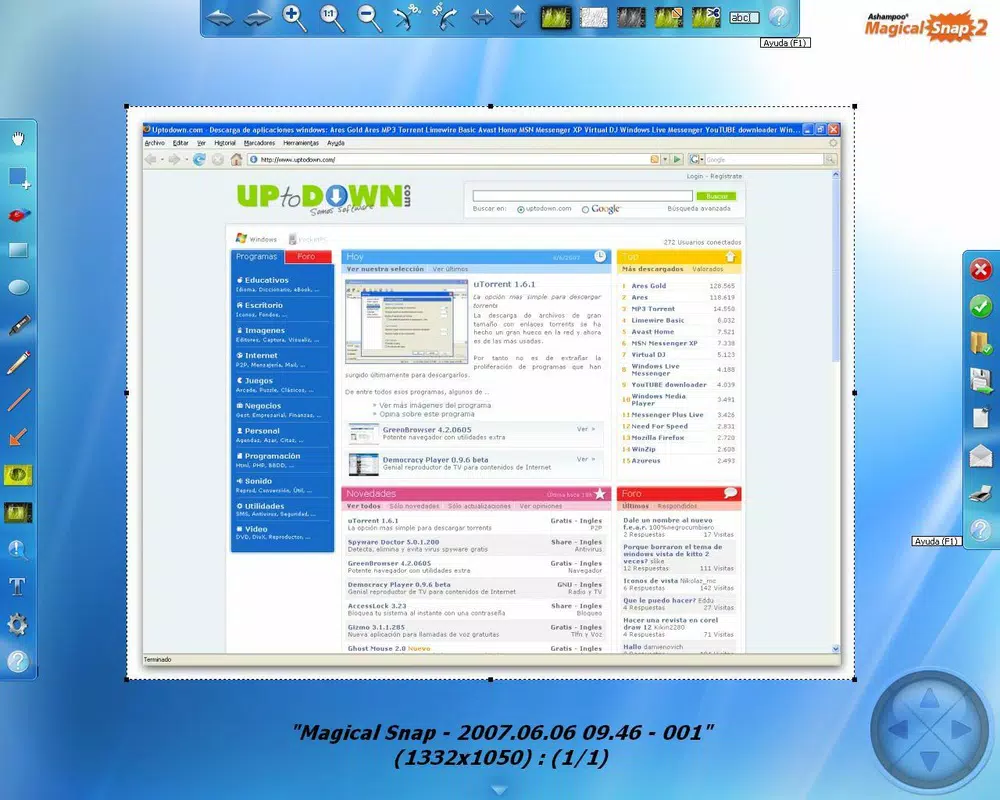
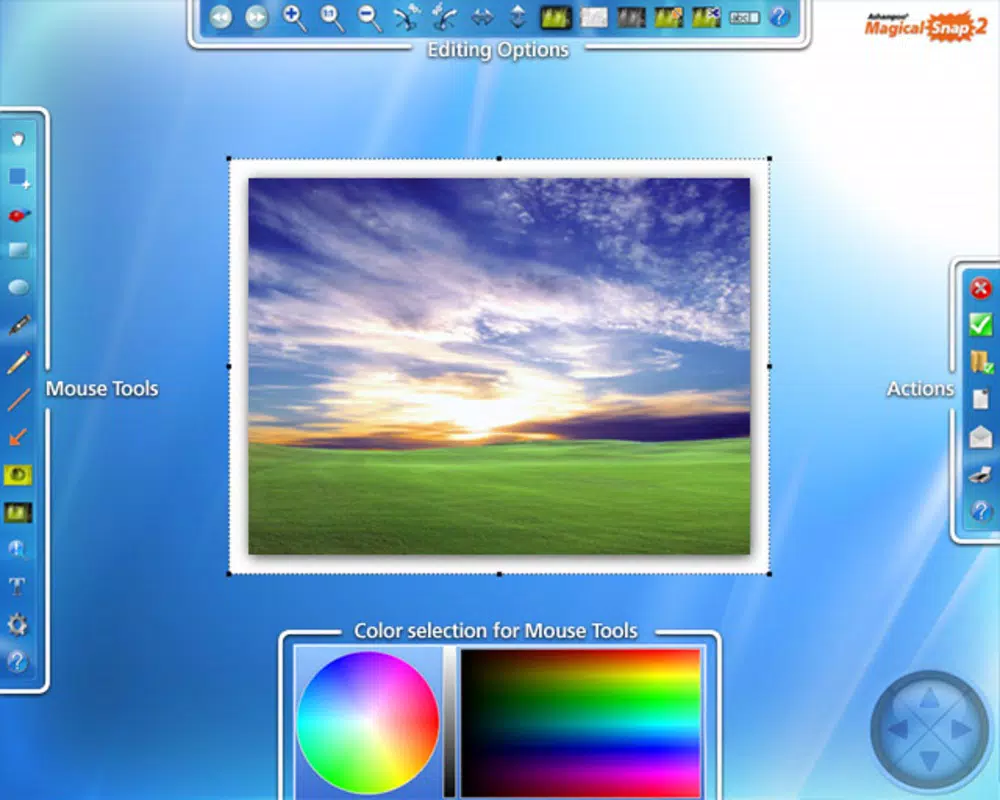
- User-Friendly Interface: The app’s design emphasizes simplicity and visual clarity, ensuring it remains unobtrusive while active. The layout is intuitive, allowing users to access core functions without navigating complex menus.
- On-the-Go Editing Tools: After capture, users can immediately edit images using built-in tools such as cropping, highlighting, text annotation, and content erasure. This eliminates the need to switch between multiple applications.
- Workflow Integration: The app is optimized for quick use in dynamic environments, making it suitable for both personal and professional workflows where visual accuracy and speed are essential.
For example, a technical support agent can capture a system error screen, annotate the problematic area with a red circle, and send it to a colleague—all within seconds. Similarly, a student preparing a study guide might capture a lecture slide, highlight key points, and export it as a clean image. These real-world scenarios demonstrate how the app bridges the gap between capture and communication, enhancing clarity and efficiency.
Interface, UX & Performance
The user interface of Ashampoo Magical Snap is designed with minimalism and functionality in mind. The visual style is clean and modern, with a focus on usability rather than visual flair. The layout ensures that essential controls are easily accessible, typically through a floating toolbar or a quick-access menu, allowing users to initiate captures and edits without interrupting their primary tasks.
Navigating through the app’s features is straightforward, with a logical flow that aligns with common user expectations. The app responds promptly to input, with minimal lag during capture and editing operations. Although the developer did not list formal performance metrics, the app’s lightweight nature suggests it runs efficiently on a wide range of devices, including mid-tier smartphones and tablets.
Responsiveness is maintained across different screen sizes and orientations, ensuring consistent usability. Stability appears to be a priority, given the app’s long history and consistent updates. The app does not appear to consume excessive system resources, making it suitable for extended use. However, specific requirements were not listed, so compatibility with newer or older devices cannot be confirmed.
Platform Compatibility & Technical Requirements
Ashampoo Magical Snap is available on Android and iOS platforms. The app supports the latest versions of both operating systems, though the developer did not specify exact OS requirements. The file size is approximately 15.8 MB, indicating a lightweight installation that does not significantly impact device storage.
Given its release date in 2007, the app has undergone multiple updates to maintain compatibility with evolving mobile environments. While no detailed system specifications were provided, the app’s small footprint suggests it is optimized for a broad range of devices. Users should ensure their device meets the minimum requirements set by their respective app stores, but specific details were not disclosed.
Pros and Cons
Pros
- Quick and intuitive screenshot capture with minimal user input.
- Integrated editing tools allow immediate post-capture refinement.
- Lightweight design with low storage footprint.
- Consistent performance across various device types.
- Designed for both casual and professional use cases.
Cons
- Specific system requirements were not listed by the developer.
- No information on cloud sync or cross-device sharing features.
- Limited details on update frequency or future development plans.
- Compatibility with older OS versions cannot be confirmed.
- Advanced export formats or batch processing were not mentioned.
FAQ
Is Ashampoo Magical Snap free to download?
The app is available for download, but the pricing model was not specified in the provided information. Users should check the official app store listing for current pricing details.
Can I edit screenshots immediately after capturing them?
Yes, the app includes built-in editing tools that allow users to annotate, crop, highlight, and erase content directly after capture.
Is Ashampoo Magical Snap available on both Android and iOS?
Yes, the app is compatible with both Android and iOS platforms, though specific OS version requirements were not disclosed.
Does the app support cloud storage or sharing?
The developer did not provide information on cloud integration or direct sharing features. Users may rely on standard device sharing methods.
How often is Ashampoo Magical Snap updated?
While the app has been available since 2007, the frequency of updates was not specified. Users should monitor the app store for the latest version.
Final Thoughts & CTA
Ashampoo Magical Snap stands out as a reliable, no-frills solution for users who prioritize speed, simplicity, and immediate functionality in their screenshot workflow. Its blend of instant capture and on-the-fly editing makes it a practical tool for professionals and everyday users alike. The app’s minimal design and efficient performance ensure it enhances productivity without disrupting the user experience.
While some technical details remain undisclosed, the app’s proven track record and consistent usability suggest a mature product with a focus on core functionality. For anyone seeking a secure, lightweight, and effective screenshot utility on their smartphone or tablet, Ashampoo Magical Snap delivers tangible value.
Download Ashampoo Magical Snap now


